
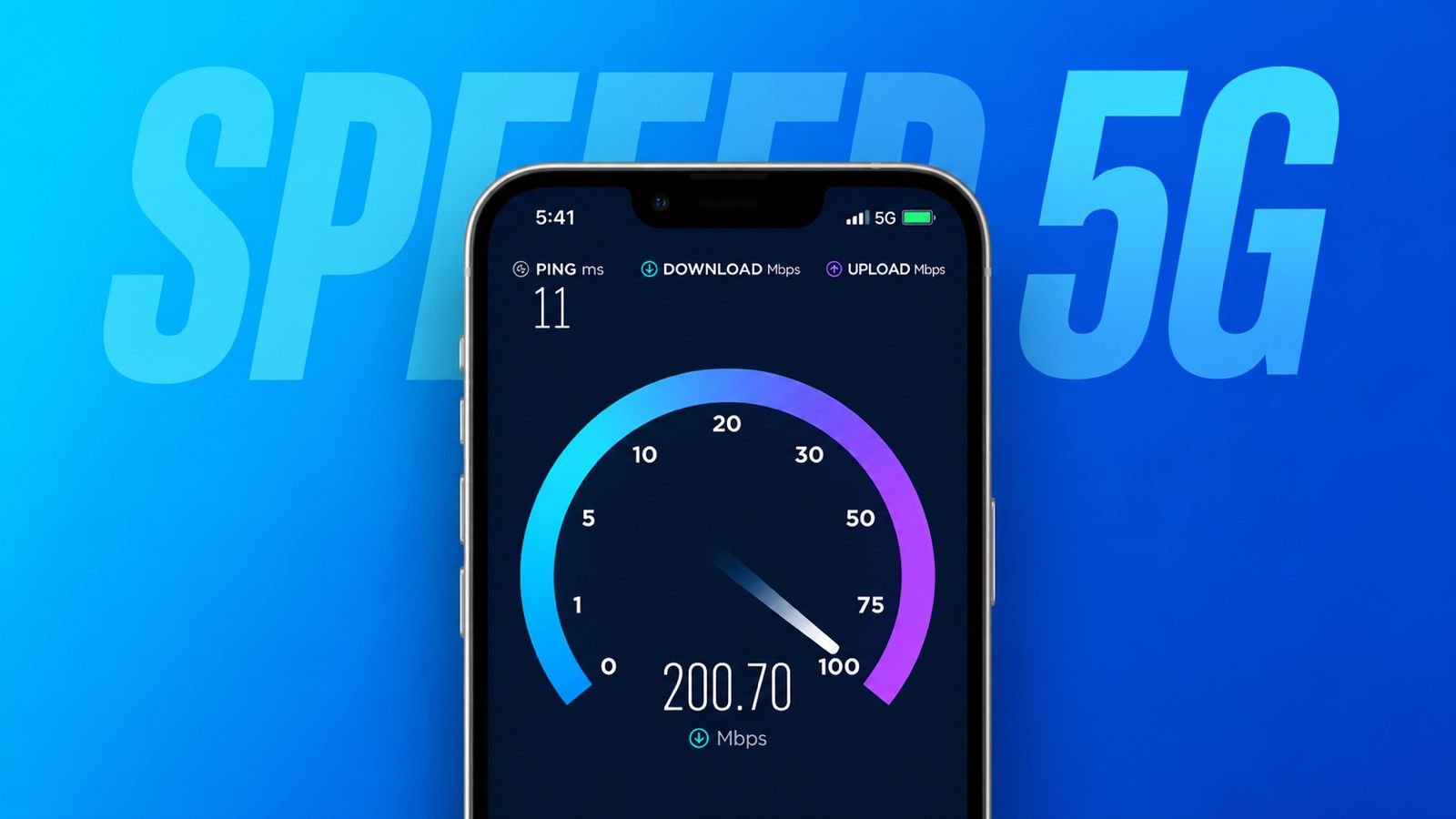

Convert 4G to 5G, Speed Charge Your Phone, Phone Voice Locking tips by Tipsbyfani APK are gaining attention worldwide. Many users want better network speeds daily. Others want faster charging and easy security.
These simple methods improve smartphone experience greatly. Most steps require only a few minutes.
Tips by Fani: Convert 4G to 5G Settings and Activation Guide
Many smartphone users want faster internet. They often believe a new SIM helps. However, that assumption is usually incorrect. Most existing Jio 4G SIM cards work.
If Jio provides 5G in your area, activation becomes very easy. Users only need proper settings enabled. Phone compatibility remains the most important requirement.
Why Device Compatibility Matters
Not every smartphone supports modern 5G networks. Users should first check device specifications. A compatible phone can access 5G services. An unsupported phone cannot use them.
Before changing settings, verify phone compatibility. This saves time and avoids confusion.
Steps for Android Users
Android users can activate 5G quickly. Follow these simple instructions:
- Open Settings on your smartphone.
- Tap Mobile Network settings option.
- Select your active Jio SIM.
- Open Preferred Network Type menu.
- Choose the available 5G option.
- Turn off Wi-Fi completely.
- Enable mobile data connection.
After completing these steps, check status. A 5G icon should appear above. This icon confirms successful network access.
If nothing changes immediately, stay patient. Restarting the smartphone often fixes issues.
Steps for iPhone Users
iPhone users can also access 5G. Follow these easy instructions:
- Open Settings on your iPhone.
- Tap the Mobile Data settings menu.
- Select Voice and Data option.
- Choose available 5G settings.
- Enable mobile data service.
Check network status after completion. A visible 5G icon confirms activation.
No Need for a New SIM
Many users worry about replacements. Fortunately, replacements remain unnecessary today.
Your current Jio 4G SIM usually works. This reduces extra spending and effort. Users enjoy 5G without buying anything.
Benefits of Jio 5G Plans
Reliance Jio offers affordable plans today. Competitive pricing attracts many customers.
Many plans include additional advantages. Some provide entertainment-related subscriptions. Benefits may vary between available plans.
Always check current offers carefully. Plan details can change over time.
Porting Your Number to Jio
Some users prefer changing networks. They may want Jio services instead.
Mobile number portability simplifies switching. Existing numbers remain completely unchanged. Users keep contacts and convenience.
This process helps many customers. It allows smoother network migration.
Speed Charge Your Phone Faster
Fast charging remains important today. People depend heavily on smartphones daily.
Several small changes improve charging performance. These methods require little effort. Results often become noticeable quickly.
Use Better Charging Equipment
Good charging accessories improve performance greatly.
Plug Into a Wall Outlet
Many people charge through laptops. This method remains slower than expected. Laptop USB ports provide limited power. Desktop ports often behave similarly.
Wall outlets deliver stronger charging performance. More power reaches the battery quickly. Always choose wall outlets whenever possible.
Carry a Portable Power Bank
Power banks store electricity efficiently. They provide power when needed. Many modern power banks charge quickly. They work well during travel.
Power banks also help during outages. Emergency charging becomes much easier. Keep a fully charged power bank nearby.
Buy a High-Powered Charger
Not every charger performs equally. Some deliver significantly better output. High-powered chargers reduce charging delays. Many support modern fast-charging technology.
Manufacturers often sell them separately. Investing in one brings benefits. Phones charge faster and more efficiently.
Replace an Old Charging Cable
Cables affect charging performance significantly. Older cables may become damaged. Worn cables reduce charging efficiency.
Premium cables transfer power effectively. Fast-charging cables improve overall performance.
Always choose quality products. Reliable cables provide better results.
Reduce Battery Activity
Battery usage affects charging speed. Reducing activity helps power reach batteries faster.
Turn Your Phone Off
Running phones consume battery constantly. Background tasks remain active continuously. Network services also consume power.
Turning phones off reduces waste. Batteries receive power more efficiently. Charging often becomes noticeably faster.
Avoid Using the Phone
Many users browse while charging. Others stream videos or call. These activities consume battery energy.
Charging becomes slower as a result. Heavy usage may increase battery wear. Leave devices untouched whenever possible.
Use Airplane Mode
Wireless features require constant power. Phones search for signals continuously. Notifications and downloads happen regularly.
Airplane mode disables these activities. Battery consumption drops immediately. Charging becomes more efficient afterward. Turn airplane mode off later.
Enable Charge Mode on Android
Many Android devices offer useful tools. Charge Mode prioritizes battery charging tasks. Data transfer becomes less important. Open settings to locate this option.
Follow these steps:
- Open Settings.
- Visit the Connected Devices section.
- Open USB Preferences menu.
- Enable Charging Device option.
Some users notice faster charging speeds.
Control Heat During Charging
Heat affects charging efficiency significantly. Keeping devices cool improves performance.
Remove the Phone Case
Phone cases sometimes trap heat. Internal temperatures may increase. Removing the case improves airflow. Devices remain cooler during charging.
This can improve charging efficiency. Battery health may also benefit.
Charge in Cool Locations
Charging location matters greatly. Cool environments support better performance. Air-conditioned rooms work very well.
Kitchen counters often remain suitable. Shaded locations also help. Avoid direct sunlight completely. Keep phones away from heaters.
Hot temperatures slow charging considerably. Excessive heat may damage components permanently.
Avoid Wireless Charging
Wireless charging offers convenience benefits. However, it often charges slower.
Wireless systems create additional heat. Extra heat reduces charging efficiency.
Wired charging remains the better choice. It delivers power more effectively. Use wired chargers whenever possible.
Phone Voice Locking Methods
Voice commands make smartphone usage easier. Many users prefer hands-free control.
Google Assistant offers many useful features. However, direct phone locking remains unavailable. A simple workaround solves this limitation.
Install a Locking Application
Start by downloading a locking app. Popular options include:
- Screen Off and Lock
- Off+
These applications remain lightweight and free.
Open Google Assistant Settings
Open the Google application first. Next, follow these steps:
- Tap Profile Picture.
- Open Settings menu.
- Select Google Assistant option.
Assistant settings will appear.
Create a Custom Routine
Scroll down until Routines appear. Some devices display Automations instead.
Create a new routine using:
- Add New option
- Custom option
This creates a personalized shortcut.
Set Your Voice Command
Locate the “When I say” section. Enter a simple voice command.
Examples include:
- Lock my phone
- Lock screen now
- Secure my device
Choose words easy to remember.
Add the Locking Action
Find the “Assistant will” section. Add a custom action there. Type the application launch command.
For example:
- Open Screen Off and Lock
Use your chosen application name.
Save and Test Everything
Save all routine settings. Now activate Google Assistant.
Say:
“Hey Google, lock my phone.”
The selected application launches instantly. Your smartphone screen locks immediately. This method provides simple voice security. It also improves daily convenience.
As We Conclude
Convert 4G to 5G, Speed Charge Your Phone, Phone Voice Locking methods by Tips by fani APK help users improve smartphone performance easily.
Proper settings unlock faster networks. Better charging habits save valuable time. Voice locking adds extra convenience and security. These practical tips benefit users every day.