
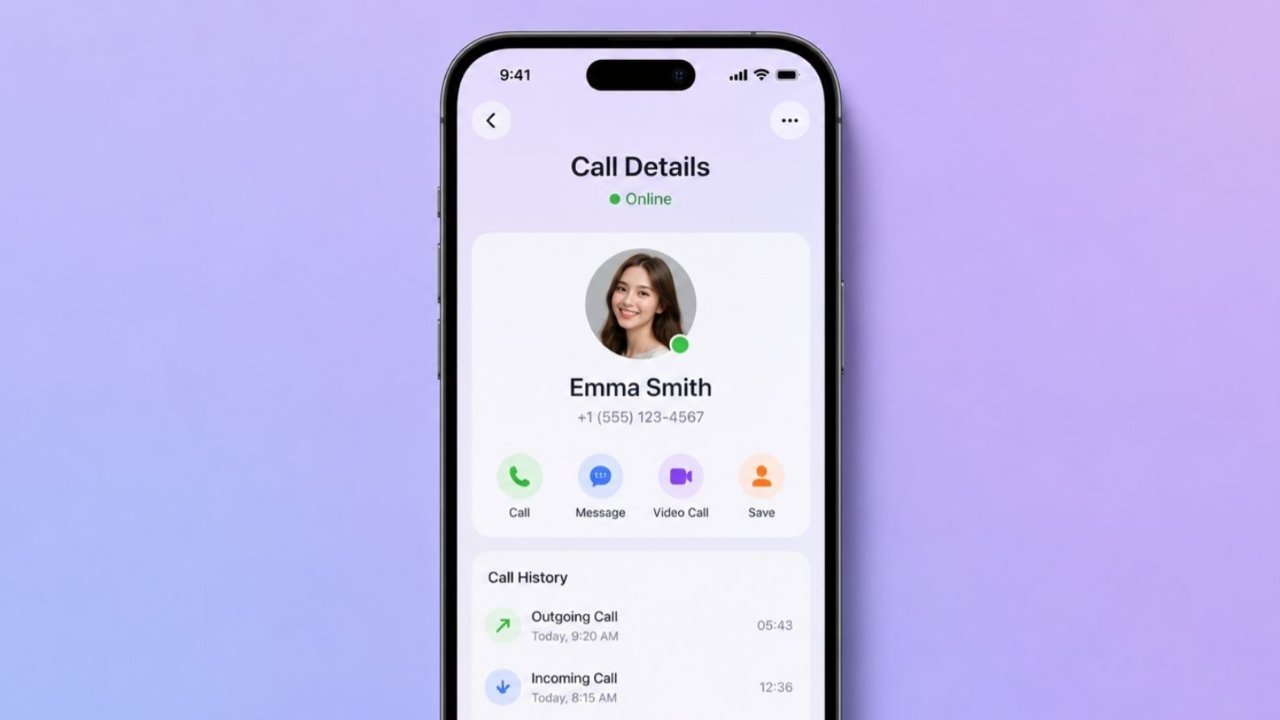

Many websites and apps on the internet claim that they can provide call details of any mobile number without OTP or verification. However, most of these claims are misleading and should not be trusted.
If you want to check the call history or call details of your own mobile number, you should always use the official methods provided by your telecom operator. In this article, we will explain the official and secure ways to check call details for Jio, Airtel, and Vi users.
The Truth About Getting Call Details
Call details cannot be accessed without authorized access such as OTP verification, account login credentials, or legal authorization. Any website or application claiming to provide call history by simply entering a phone number is likely unreliable.
Such platforms may expose users to privacy risks, malware, phishing attempts, or data theft. Therefore, it is always recommended to use official telecom services only.
How to Get Jio Call Details
Reliance Jio allows users to check usage information and download account statements through the MyJio app.
Step 1: Download the MyJio App
Install the MyJio app from the Google Play Store or Apple App Store and log in using your Jio number.
Step 2: Open the Menu
After logging in, open the menu section within the app.
Step 3: Select Check Usage
You can view details related to calls, SMS, and data usage.
Step 4: Download the Statement
Click on the View Statement option and choose your preferred date range. You can view the statement online, receive it via email, or download it as a PDF file.
How to Check Airtel Call History
Airtel users can access billing and usage information through official SMS services and the Airtel Thanks app.
Get Airtel Call Details Through SMS
Open your messaging app and type:
EPREBILL MONTHNAME EMAILID
Example:
EPREBILL MARCH abc@gmail.com
Send the message to 121. Airtel may send the requested bill or statement to your registered email address.
Check Call History Through Airtel Thanks App
Download the Airtel Thanks app and log in using your Airtel number. Navigate to the billing, profile, or help section to view available usage and account information.
How to Get Vi Call Details
Vi (Vodafone Idea) users can check usage history and billing information through the official Vi app.
Step 1: Log In to the Vi App
Open the Vi app and sign in using your registered mobile number.
Step 2: Go to My Account
Open the My Account section and ensure that your email address is updated and verified.
Step 3: Access Bill and History
Select the Bill & History or Usage History section to view available statements and request them via email if required.
Can You Get Someone’s Call Details Without OTP?
No. Accessing another person’s call details without authorization, account access, consent, or legal authority is not permitted and may violate privacy laws and applicable regulations.
Should You Use Third-Party Apps to Get Call History?
Using third-party apps for call details is not recommended. Many such apps may collect personal information, install malware, or compromise user privacy. Official telecom operator services are the safest option.
Can Deleted Call History Be Recovered?
Telecom operators may retain certain records for a limited period. The availability and duration of call records depend on the operator’s policies and the type of service being used.
Conclusion
If you want to check your mobile call details or call history, the official services provided by Jio, Airtel, and Vi are the safest and most reliable options. Avoid websites and applications that make unrealistic promises, and always use authorized telecom platforms to protect your privacy and security.
Disclaimer: This information is intended only for the owner of the mobile number or an authorized account holder. Accessing another person’s call details without permission may violate privacy rights and applicable laws.